# New Project

{% stepper %}
{% step %}

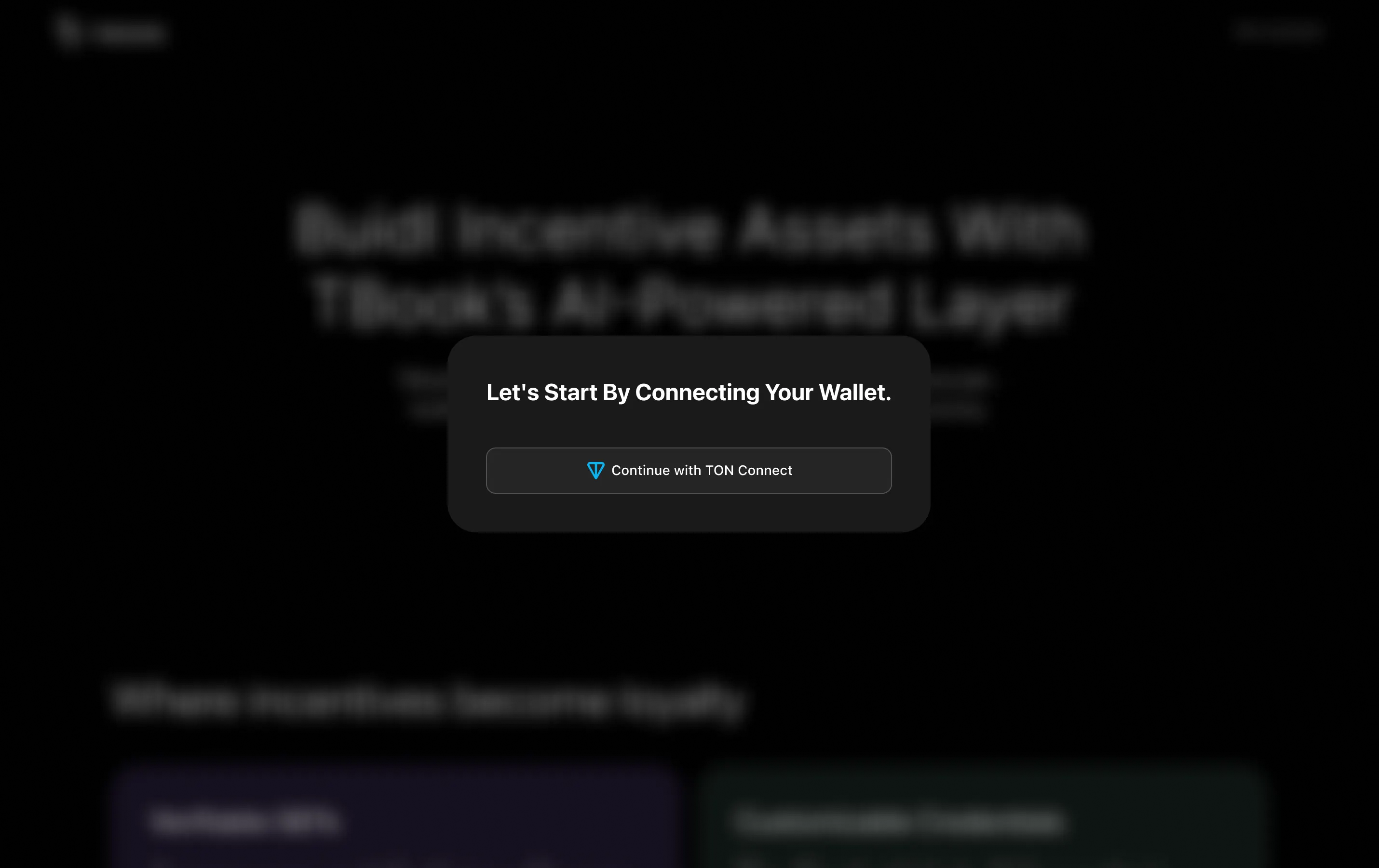
### Connect TON Wallet

Go to [ton.tbook.com](http://sui.tbook.com/) and click `Get Started` to connect your TON address.

<figure><img src="https://2083850247-files.gitbook.io/~/files/v0/b/gitbook-x-prod.appspot.com/o/spaces%2FCtEK1dMIU5CILuW6JbPh%2Fuploads%2FExVEIEMs4ExhNxGrx8OG%2Fimage.png?alt=media&#x26;token=a79c2040-e66c-467e-a2d3-a26b5f7e66f0" alt=""><figcaption></figcaption></figure>
{% endstep %}

{% step %}

### Enter project basic info to create your account on TBook
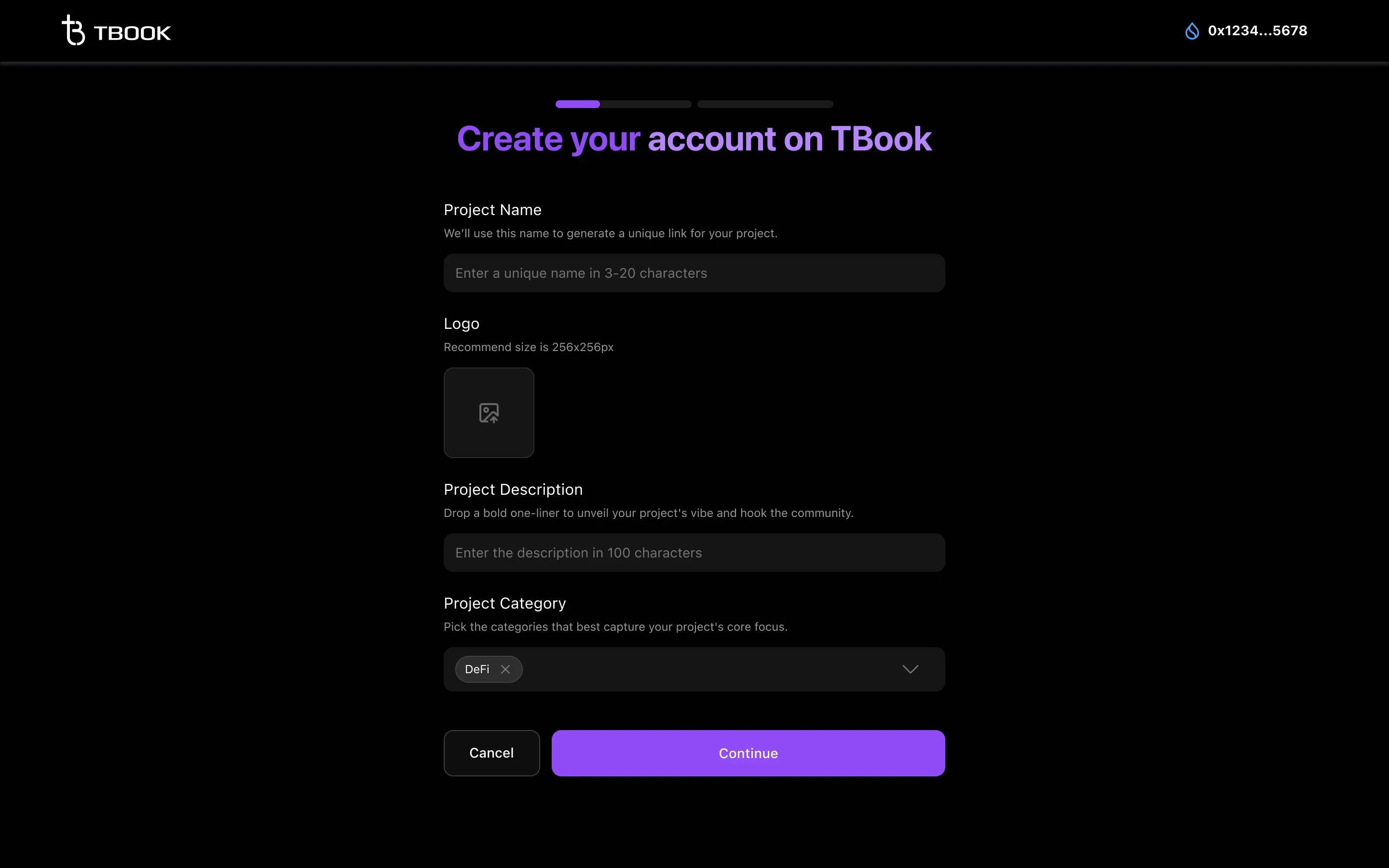
<figure><img src="https://2083850247-files.gitbook.io/~/files/v0/b/gitbook-x-prod.appspot.com/o/spaces%2FCtEK1dMIU5CILuW6JbPh%2Fuploads%2FsSqRTRK1E3AzDuhMYDni%2Fimage.png?alt=media&#x26;token=543e66f0-94e4-4f3e-8442-4f68f168fd09" alt=""><figcaption></figcaption></figure>

{% hint style="info" %}
You can always update your project profile on Project Profile Page. To know how to update, you can check [⚙️How Can I Edit my Project Profile?](https://docs.tbook.com/tbook/projects/faq/how-can-i-edit-my-project-profile)
{% endhint %}
{% endstep %}

{% step %}

### Enter your Telegram handle to allow us contact you.

After submitting, we will review your application and get in touch with you for further coordination.
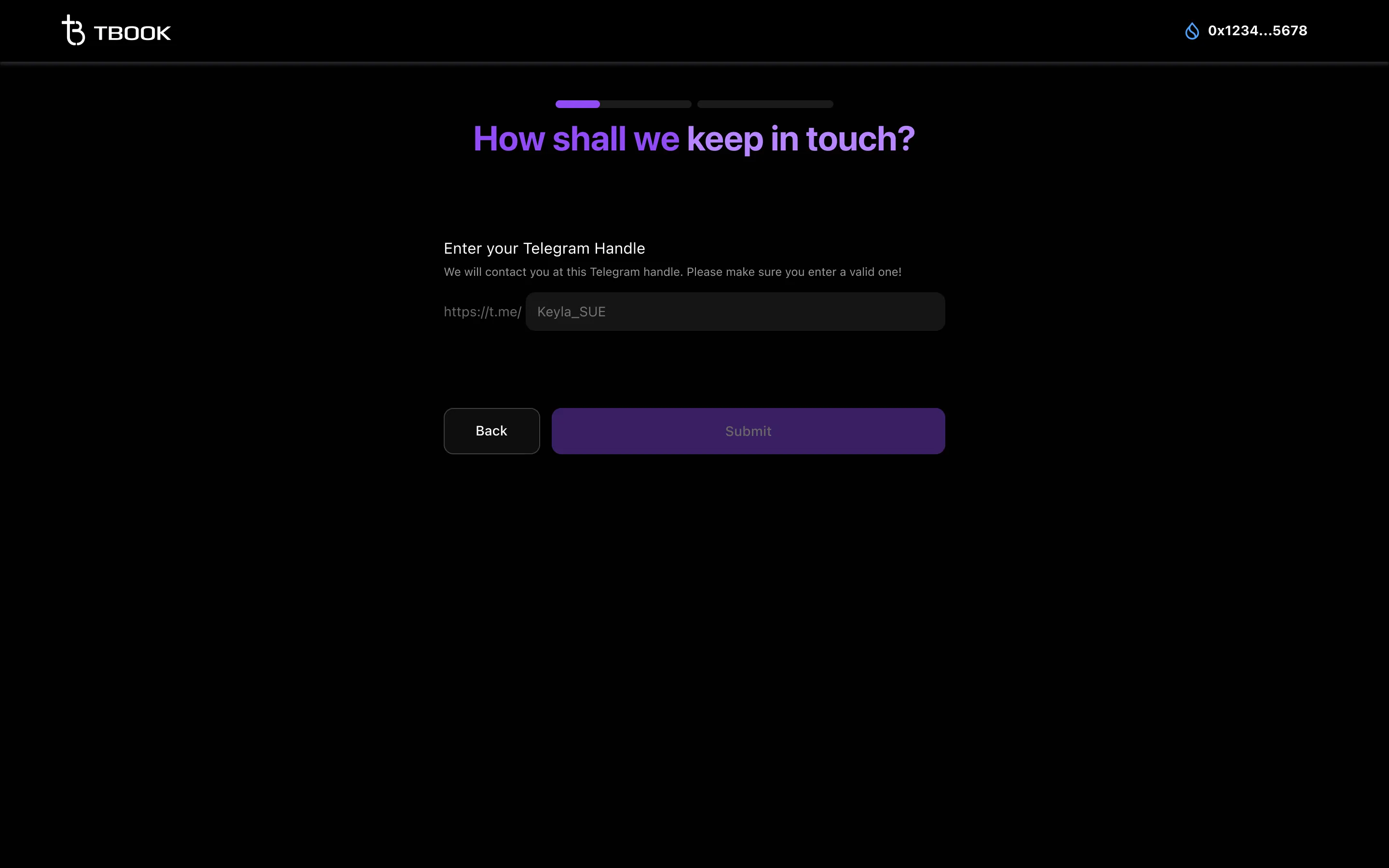
<figure><img src="https://2083850247-files.gitbook.io/~/files/v0/b/gitbook-x-prod.appspot.com/o/spaces%2FCtEK1dMIU5CILuW6JbPh%2Fuploads%2F4sBZPjQcPsuboqDeXS39%2Fimage.png?alt=media&#x26;token=26aecf61-91ae-40a5-97b8-f678f8eb0c3a" alt=""><figcaption></figcaption></figure>
{% endstep %}
{% endstepper %}

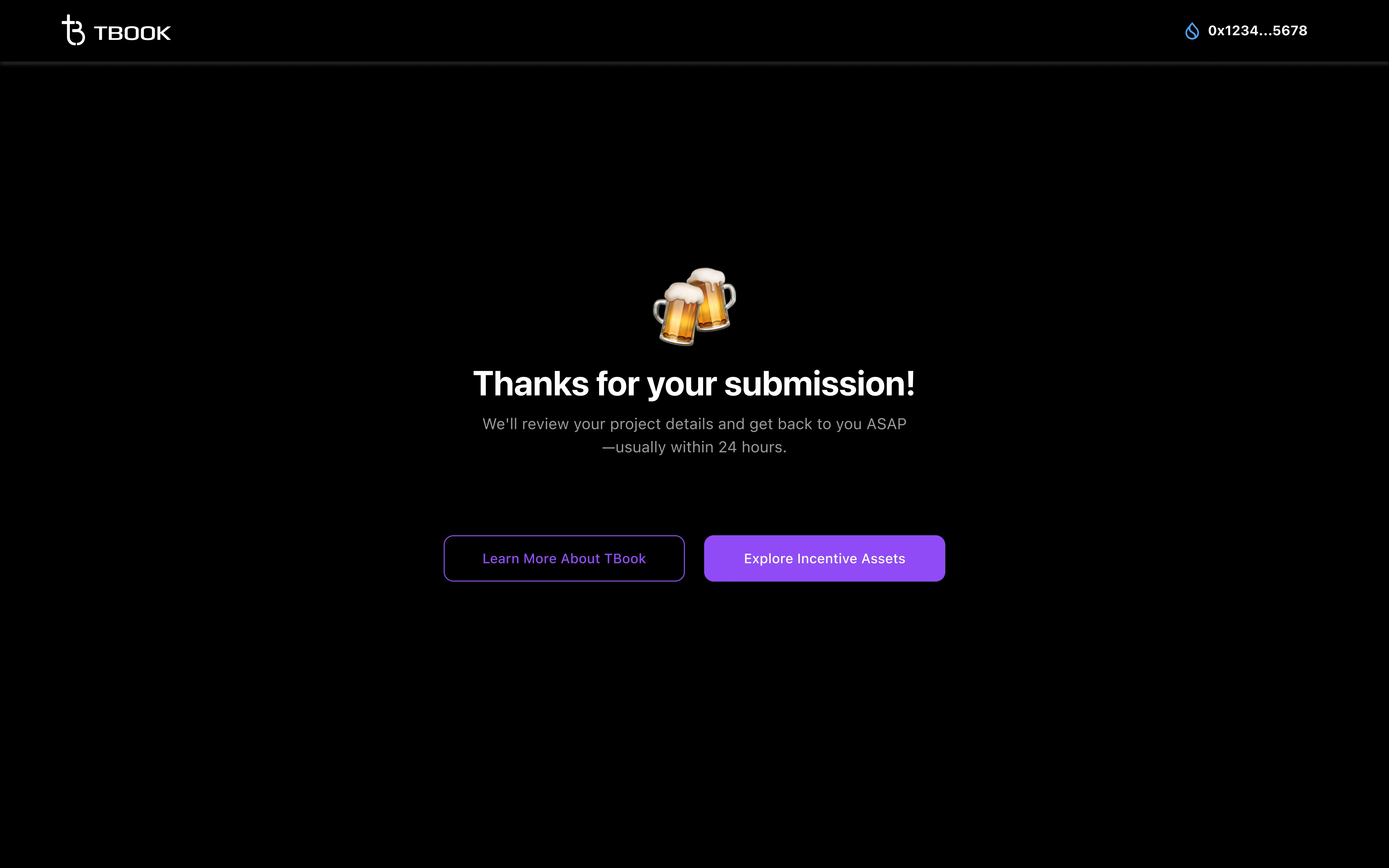
When you see the message **"Thanks for your submission!"**, it means we received your info.

We’ll get back to you in telegram ASAP.
<figure><img src="https://2083850247-files.gitbook.io/~/files/v0/b/gitbook-x-prod.appspot.com/o/spaces%2FCtEK1dMIU5CILuW6JbPh%2Fuploads%2FET22wZqqV7r10iP7B1YD%2Fimage.png?alt=media&#x26;token=c5d40560-7b89-47af-b480-6dbfb95b1661" alt=""><figcaption></figcaption></figure>