# New Project

{% stepper %}
{% step %}

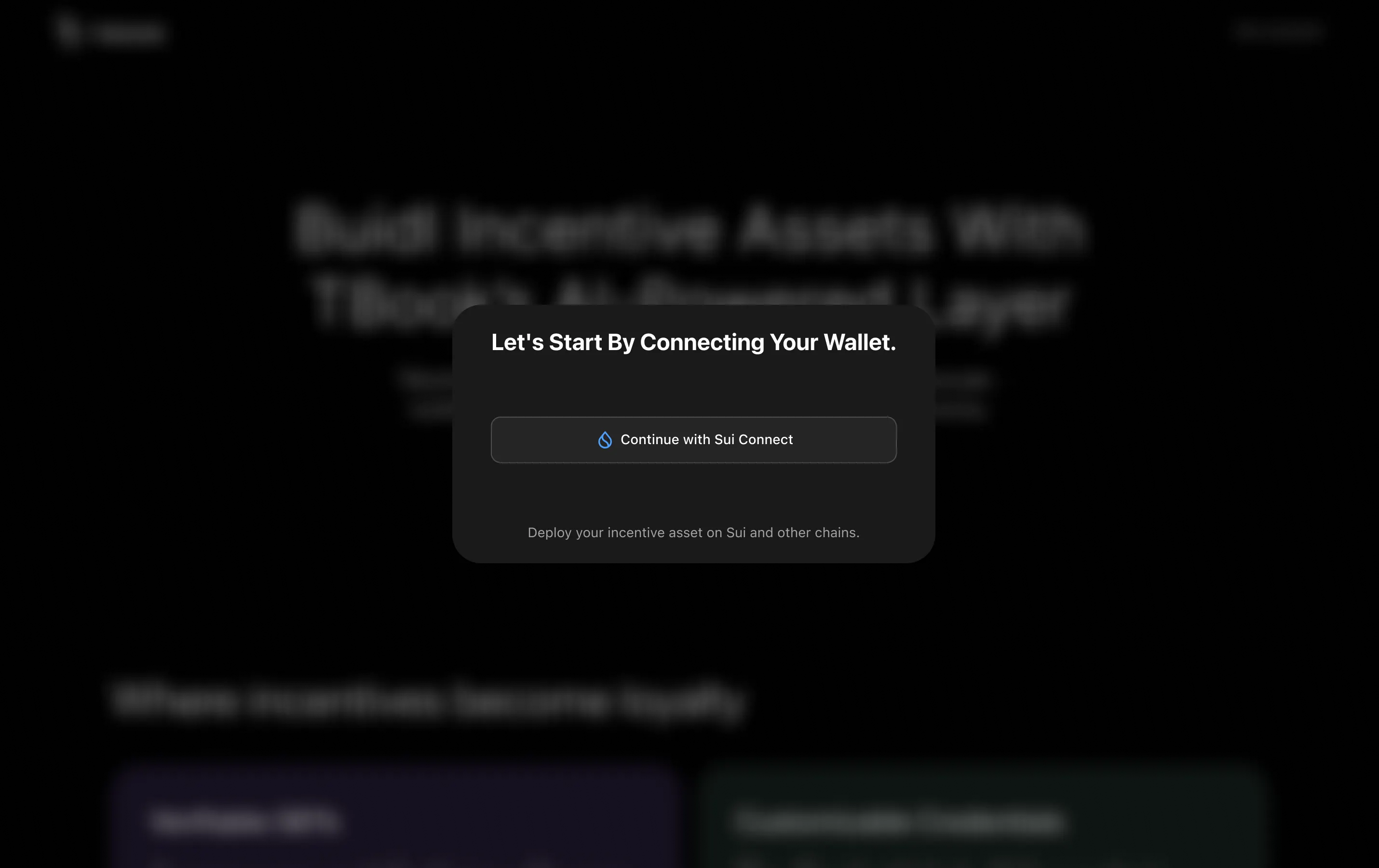
### **Connect Sui Wallet**

Go to [sui.tbook.com](http://sui.tbook.com/) and click `Create now` to connect your Sui address.

<figure><img src="https://2083850247-files.gitbook.io/~/files/v0/b/gitbook-x-prod.appspot.com/o/spaces%2FCtEK1dMIU5CILuW6JbPh%2Fuploads%2FYNzVzeKnrsDVYYCOxyX2%2Fimage.png?alt=media&#x26;token=0ac3274a-9ff4-4d20-81e9-194de9a228cb" alt=""><figcaption></figcaption></figure>
{% endstep %}

{% step %}

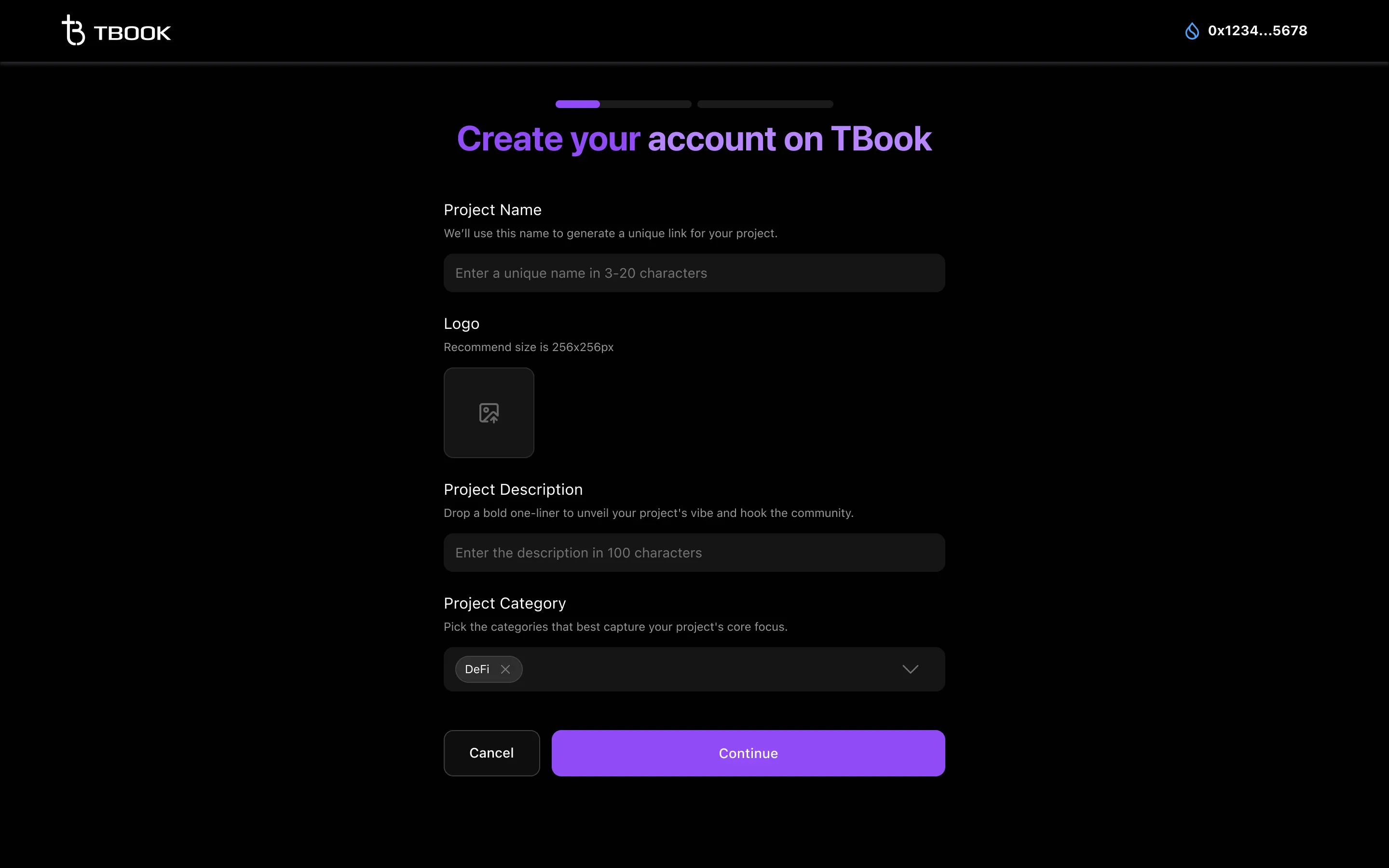
### **Enter project basic info to create your account on TBook**

<figure><img src="https://2083850247-files.gitbook.io/~/files/v0/b/gitbook-x-prod.appspot.com/o/spaces%2FCtEK1dMIU5CILuW6JbPh%2Fuploads%2FgXicaCjTH79SjqmfSRCL%2Fimage.png?alt=media&#x26;token=3c094918-0093-48a0-8fe6-e35cb1ccf752" alt=""><figcaption></figcaption></figure>

You can always update your project profile on Project Profile Page. To know how to update, you can check [⚙️How Can I Edit my Project Profile?](https://docs.tbook.com/tbook/projects/faq/how-can-i-edit-my-project-profile)
{% endstep %}

{% step %}

### Enter your Telegram handle to allow us contact you.

After submitting, we will review your application and get in touch with you for further coordination.
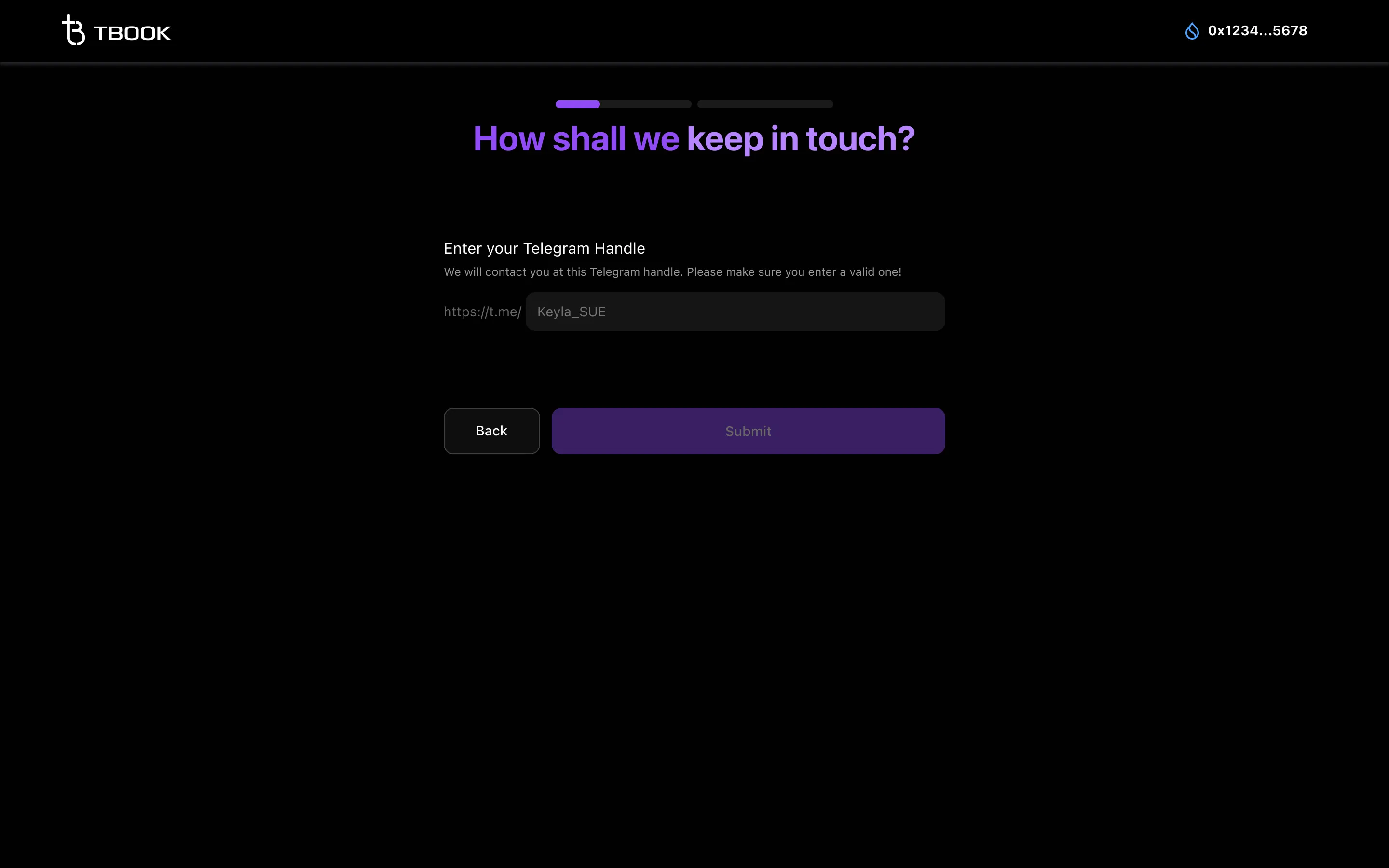
<figure><img src="https://2083850247-files.gitbook.io/~/files/v0/b/gitbook-x-prod.appspot.com/o/spaces%2FCtEK1dMIU5CILuW6JbPh%2Fuploads%2FbXqoUTMwOy5Hd8IxB0Is%2Fimage.png?alt=media&#x26;token=0e94226e-e91e-4d49-8e37-28a08100cc01" alt=""><figcaption></figcaption></figure>

When you see the message "Thanks for your submission!", it means we received your info.

Please make sure to provide the correct telegram handle for contacting. We’ll get back to you in telegram ASAP.
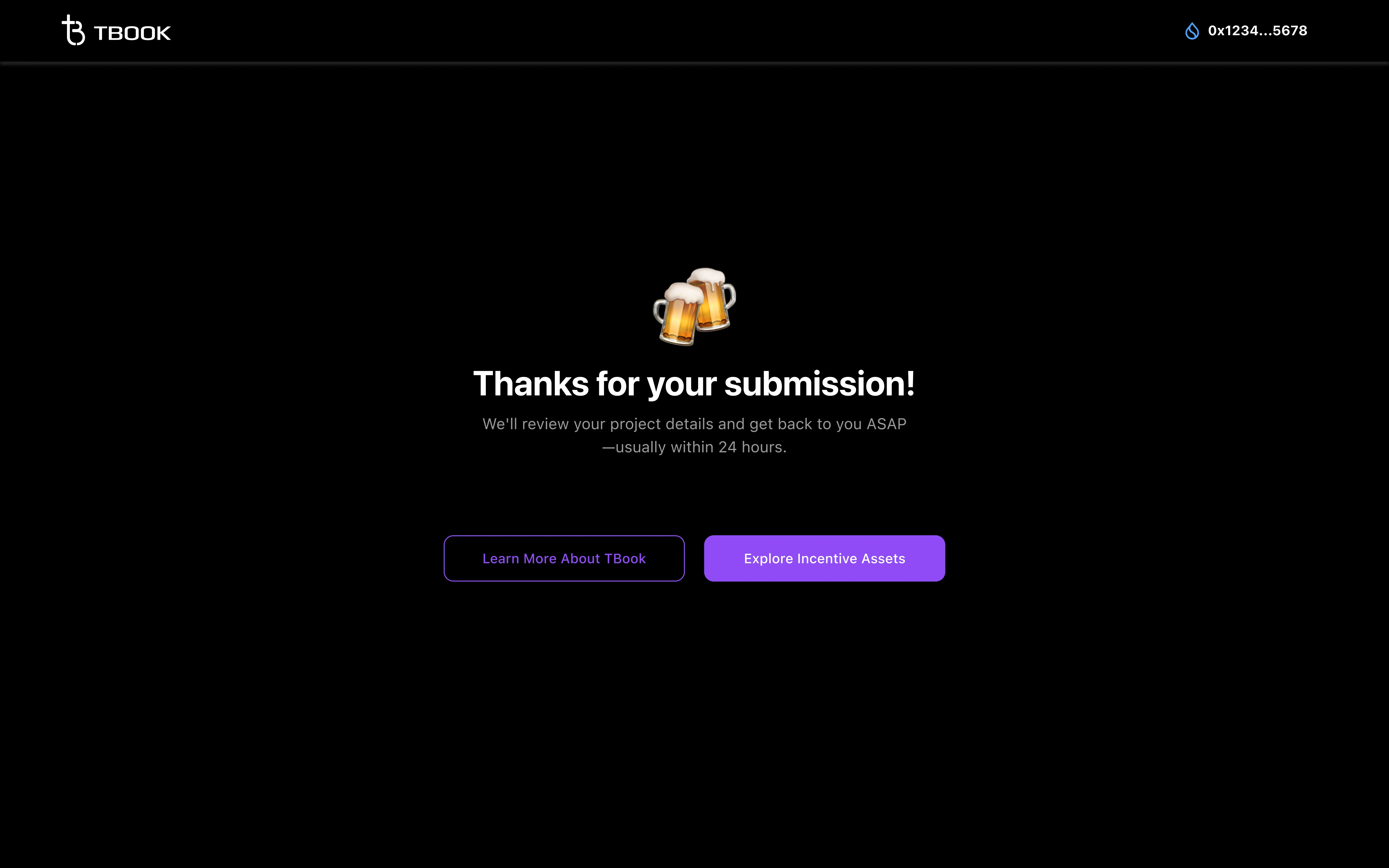
<figure><img src="https://2083850247-files.gitbook.io/~/files/v0/b/gitbook-x-prod.appspot.com/o/spaces%2FCtEK1dMIU5CILuW6JbPh%2Fuploads%2FtaBXrFmJZsImVzOiTH8d%2Fimage.png?alt=media&#x26;token=37424d46-dac1-4a76-a06c-ac70f07a3733" alt=""><figcaption></figcaption></figure>
{% endstep %}
{% endstepper %}