Launch SBT Claim Link
Select the SBT
Once your SBT is deployed ,you can click Continue in the pop-up directly to create Credential Group or go to the SBT Details page and click the button.
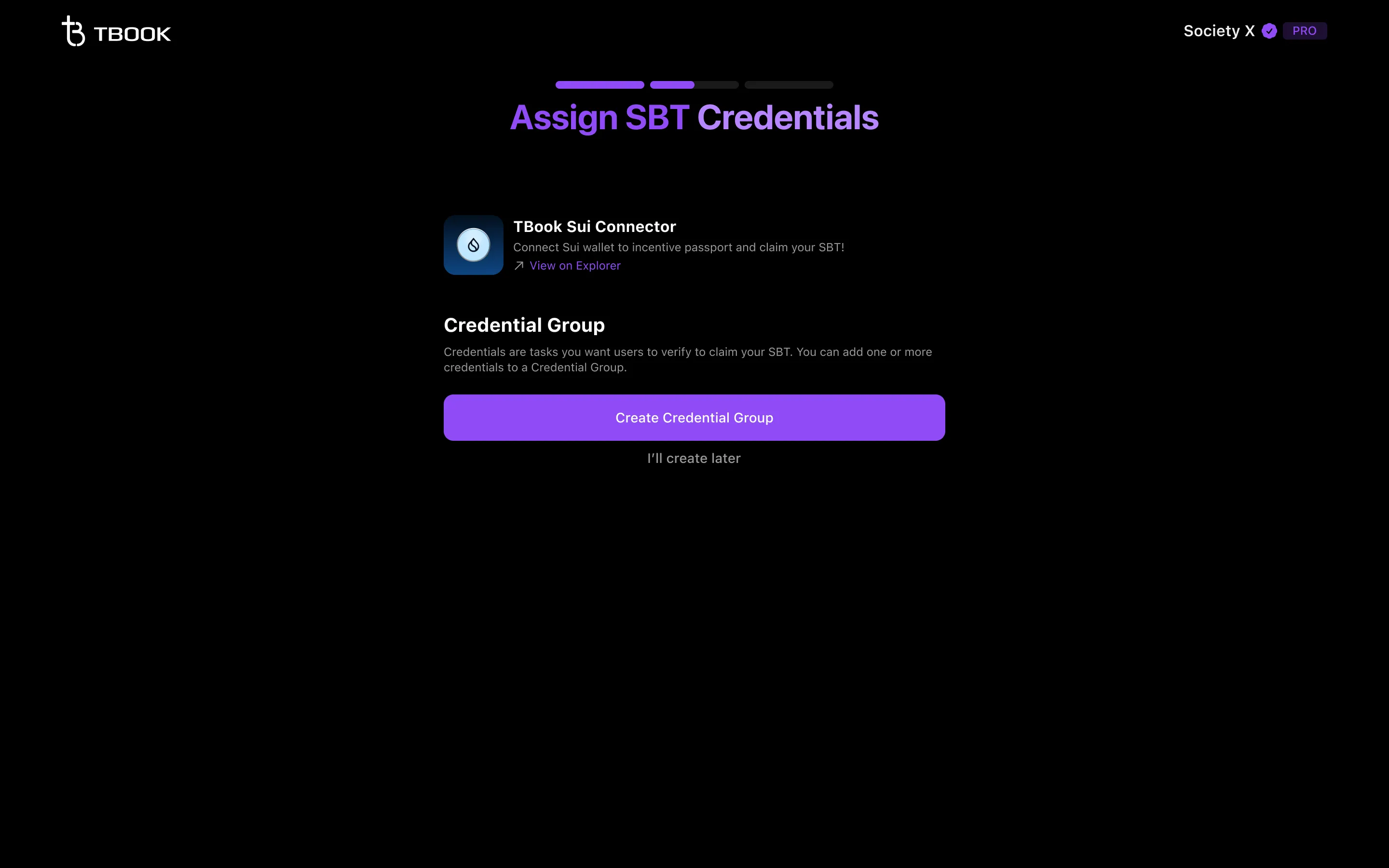
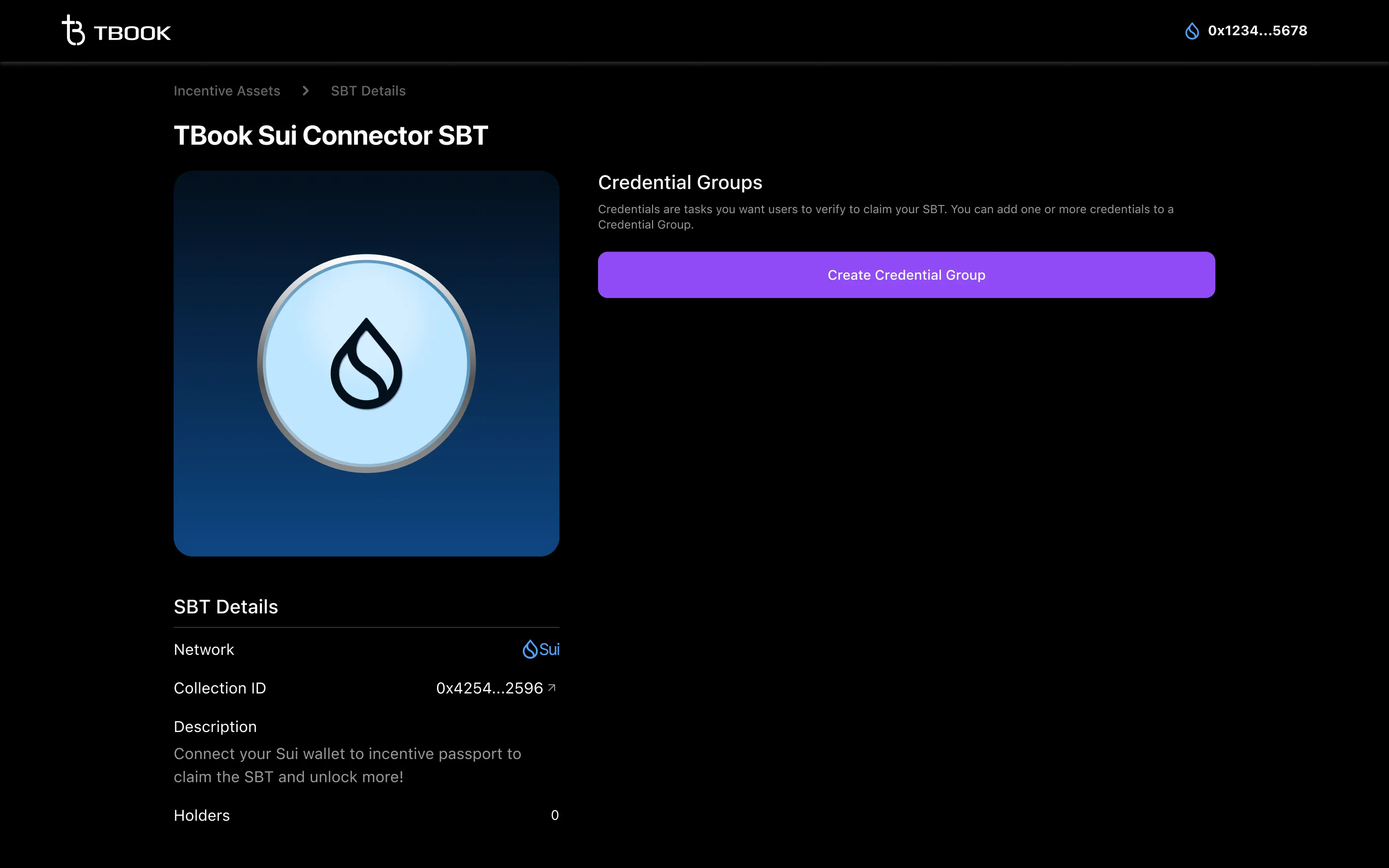
Create Credential Group
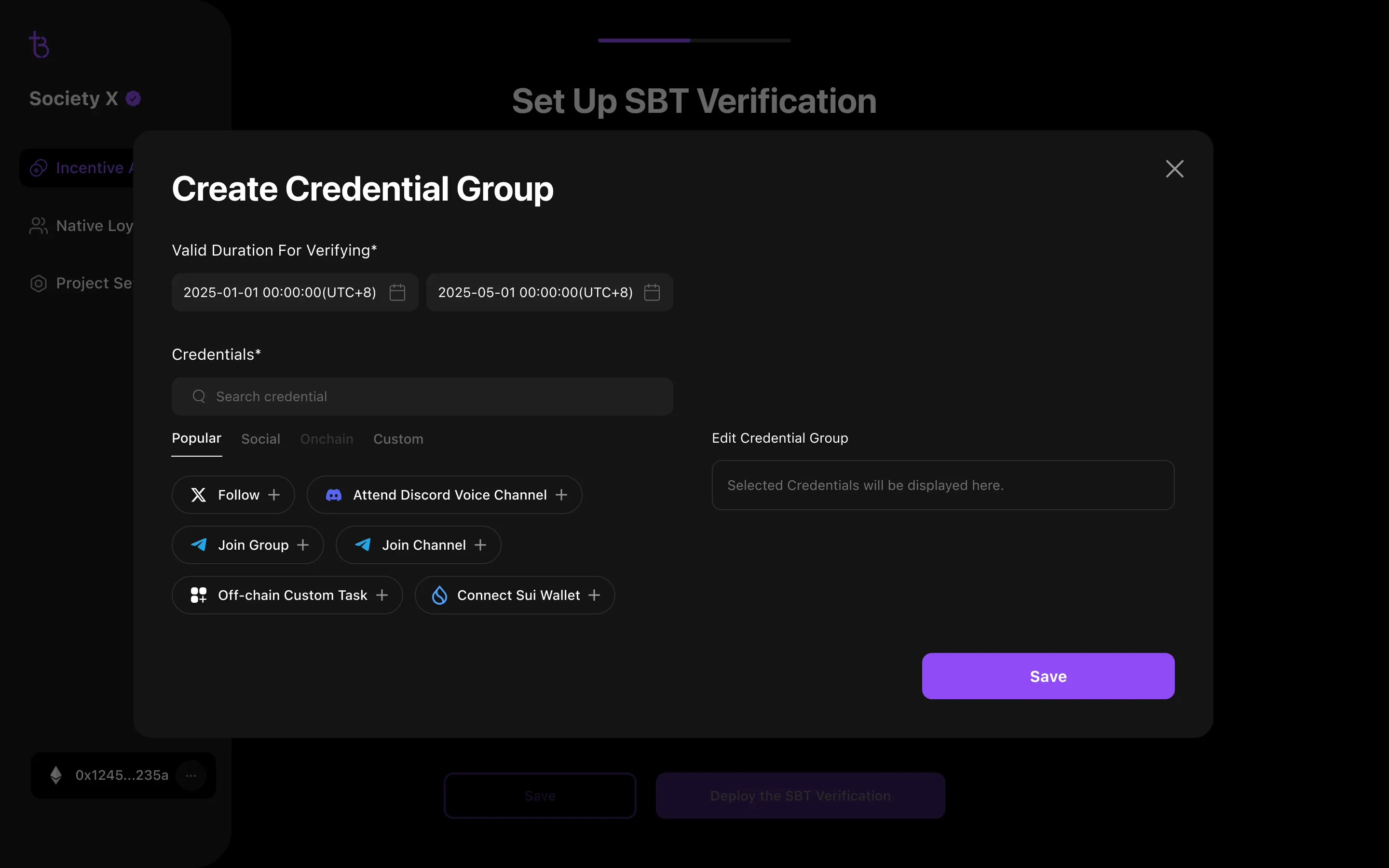
Define the valid duration for users to verify the credentials.
Then, select all the credentials that users must verify for claiming the SBT, click "+", and configure the credential information as prompted. Then, click Save .
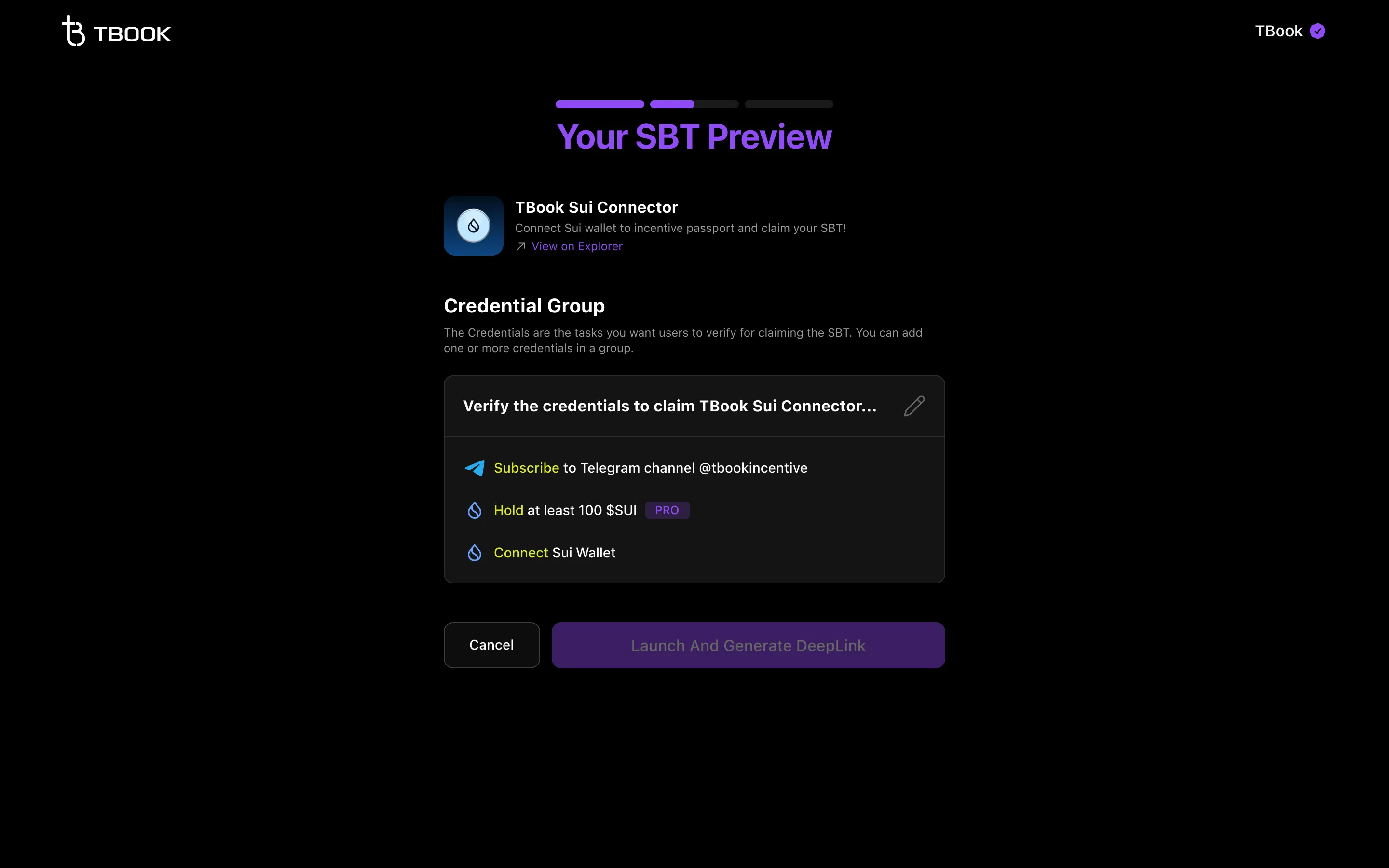
Launch and Generate the SBT DeepLink
Review and confirm the SBT verification information, then click the Launch the SBT Verification button.
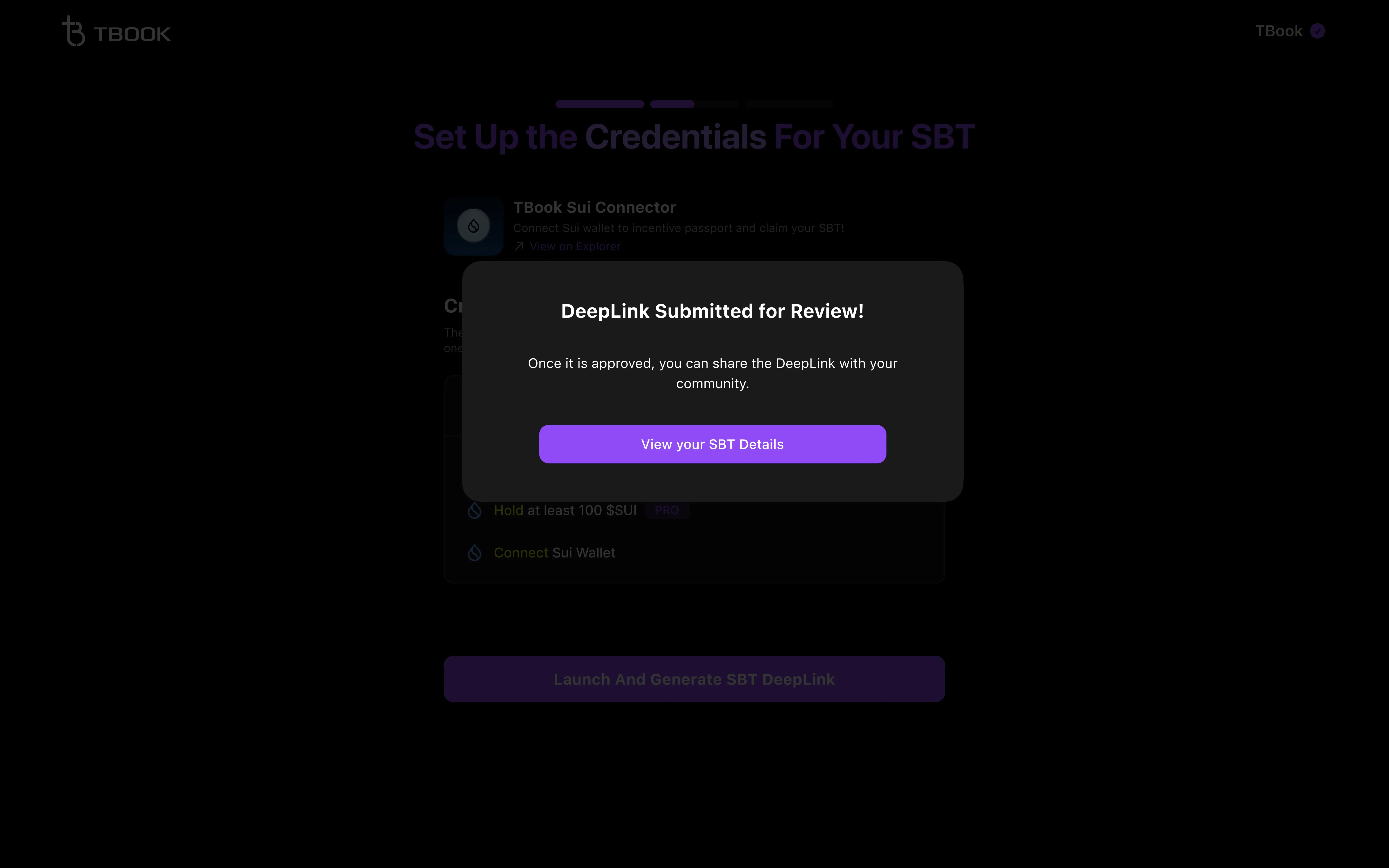
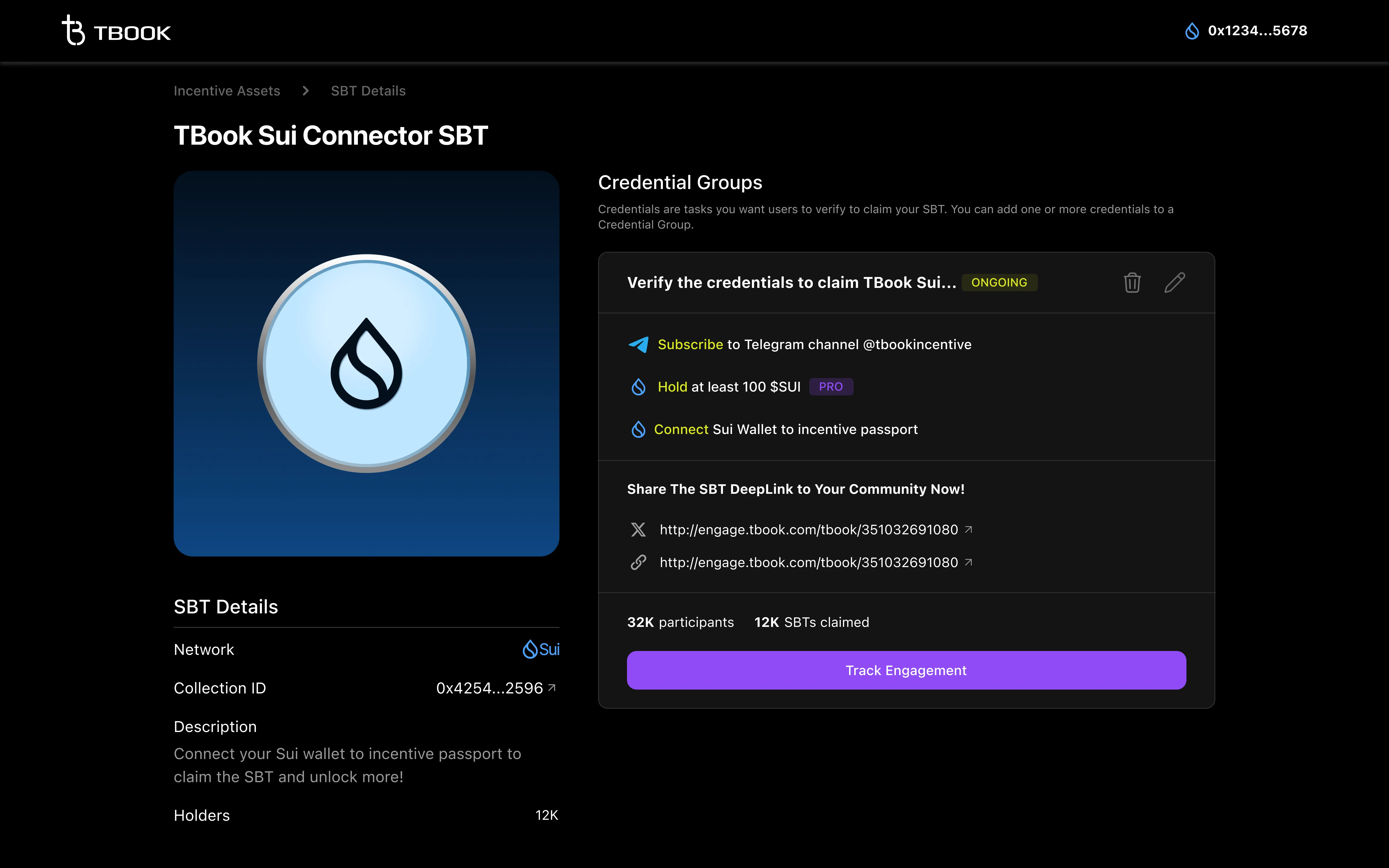
Congratulations! Your SBT verification has been successfully created!
Go ahead and share the exclusive SBT link with your community to get your users involved!
If you’ve added Pro Credentials in the SBT Verification, it will submit to the team for review.
We will send you the invoice, and once the transaction is completed, we will approve your SBT verification.
SBT and SBT Claim Link Modification Limitations After Submission
- Once the Sui SBT information has been deployed, it cannot be modified.
- For the Basic plan of the SBT DeepLink, Free Credentials can be added, modified, or deleted at any time, but Pro Credentials cannot be added.
- For the Pro plan of SBT DeepLink, Credentials can be modified, or deleted at any time.